Free for SEBI-registered brokers
An accessibility toolkit for your broking website, live in one script tag
SEBI's July 2025 and September 2025 circulars made WCAG/GIGW digital accessibility mandatory for every regulated entity, brokers included. This widget gives your visitors font scaling, contrast modes, keyboard navigation, screen reading and more — free, in exchange for trying AttenIP for your team's attendance and HR.
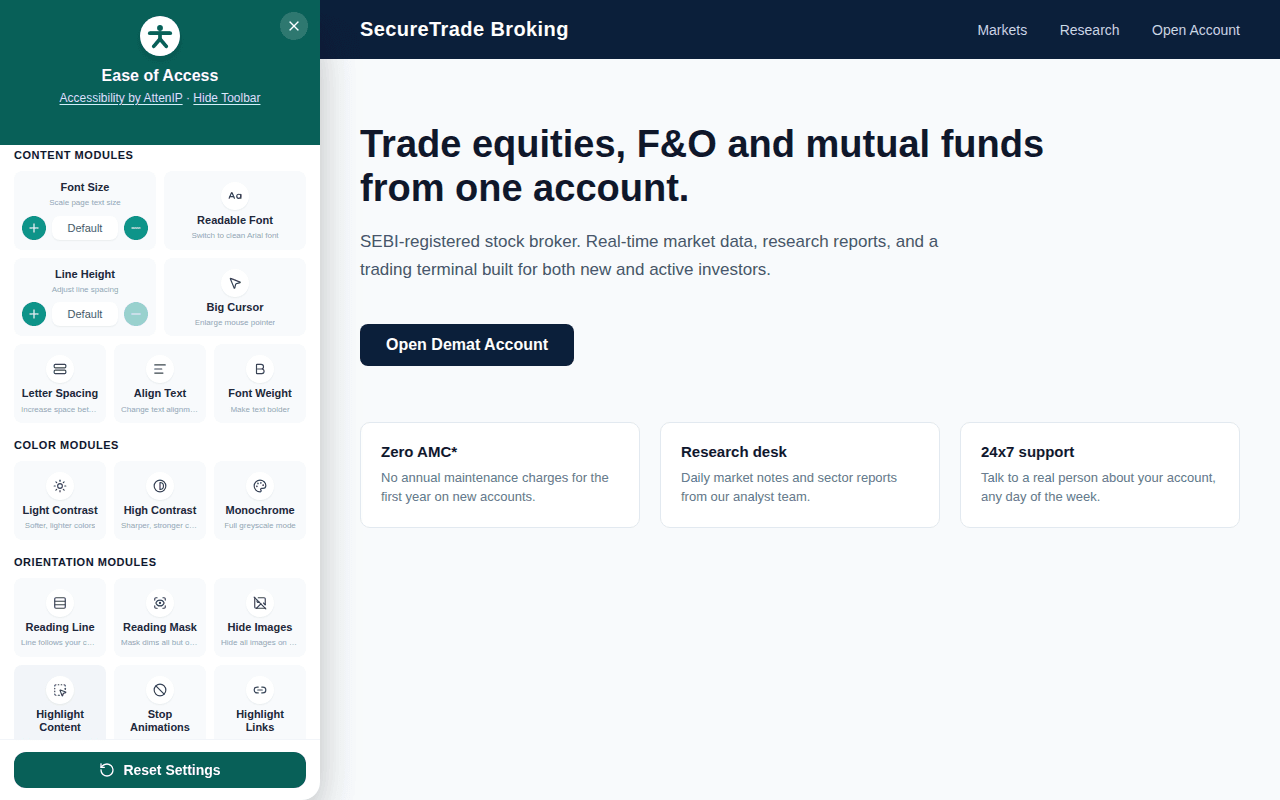
Everything a visitor might need, in one panel
Twenty-plus adjustments, grouped so people can find what actually helps them.
Text & readability
- Font size — Scale page text size up or down
- Line height — Adjust line spacing for easier reading
- Readable font — Switch to a clean Arial font
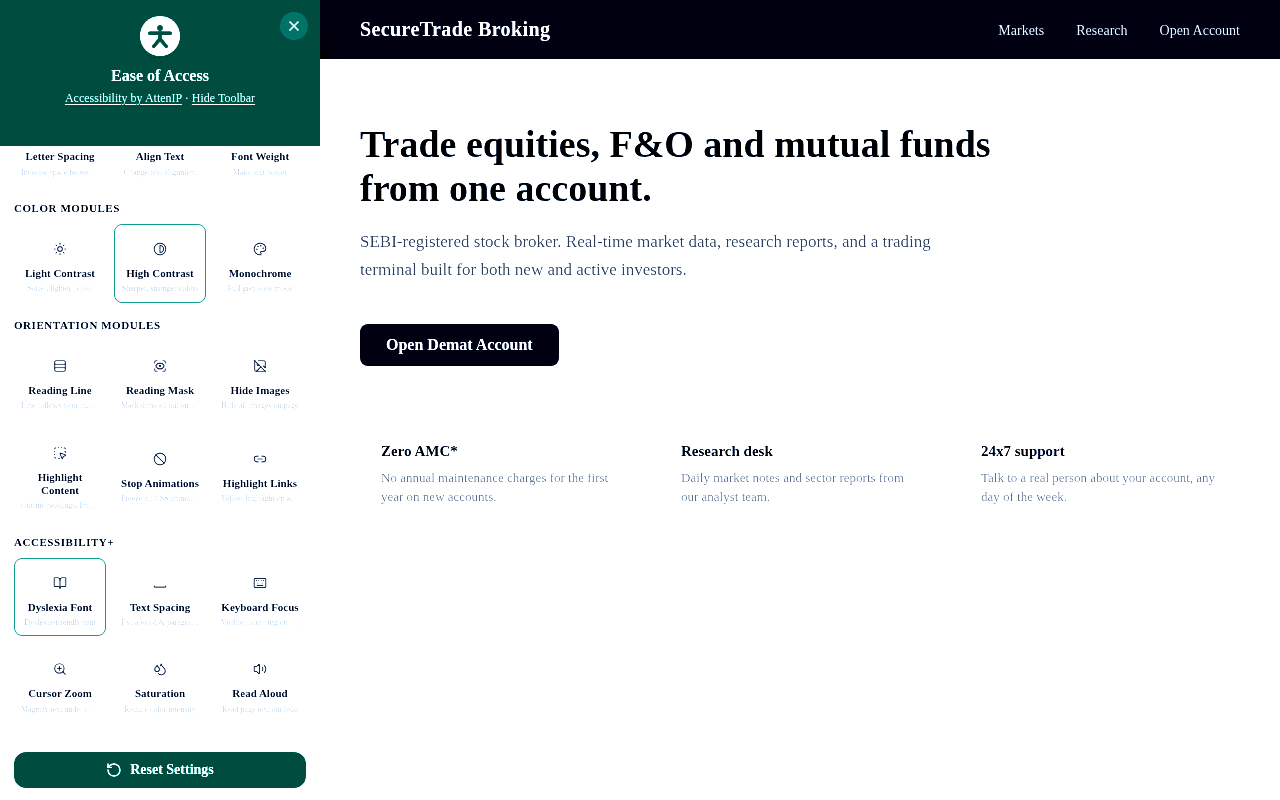
- Dyslexia-friendly font — Swap in a dyslexia-friendly typeface
- Letter spacing — Increase space between letters
- Text spacing — Extra word and paragraph spacing
- Font weight — Make text bolder
- Align text — Change text alignment
Color & contrast
- Light contrast — Softer, lighter colors
- High contrast — Sharper, stronger colors
- Monochrome — Full greyscale mode
- Saturation — Reduce color intensity
Navigation & focus
- Big cursor — Enlarge the mouse pointer
- Cursor zoom — Magnify text under the cursor
- Keyboard focus — Visible focus ring when tabbing
- Reading line — A line that follows your cursor
- Reading mask — Dims everything but one line
- Highlight content — Outlines headings, links and buttons
- Highlight links — Yellow highlight on every link
- Stop animations — Freezes all CSS animations
Assistive tools
- Read aloud — Reads page text out loud (text-to-speech)
- Hide images — Hides all images on the page
Made to match your site
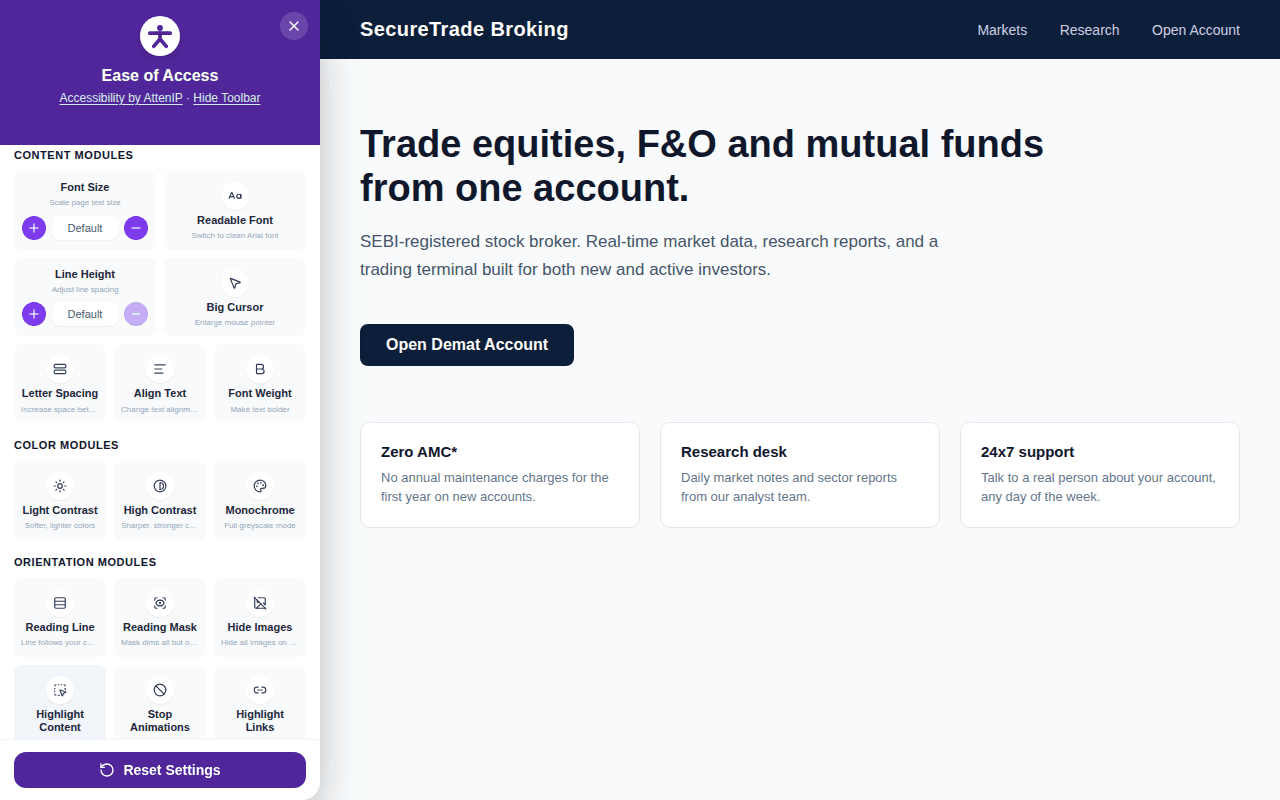
One hex code, and it looks like it was always yours
Every broker has their own brand color, so the widget isn't hardcoded to AttenIP teal. Set data-color on the script tag to any hex value and the launcher, panel header, active states and buttons all recolor to match — automatically, no extra CSS to write.
Honest about what this is
A real assistive layer — not a compliance shortcut
Accessibility overlays have a mixed reputation, and for good reason: a client-side widget can't fix missing alt text, bad heading structure, or broken form labels in your own HTML — the things an actual WCAG audit checks. What it can do is give every visitor immediate control over contrast, text size, keyboard focus and screen reading, today, while you work on the rest. Runs entirely in the browser for your visitors — nothing about them is tracked or leaves their device. (The widget does check in on your site's own subscription status once a day at most — never anything about who's visiting.)
Get your embed code
Free — tell us where it's going
One script tag, one paste, works immediately. We'll also reach out about AttenIP for your team's attendance and HR — that's the trade for keeping this free.
Questions brokers ask us
No single overlay tool does, and we'd rather say that upfront than oversell it. SEBI's July 2025 and September 2025 circulars ask regulated entities to meet WCAG 2.1, GIGW and IS 17802, run accessibility audits, and remediate real issues in the underlying HTML — things like alt text, heading structure and form labels, which a client-side widget cannot fix from outside. This widget is a genuinely useful assistive layer (contrast, text scaling, keyboard focus, screen reading, and more) that visitors can turn on immediately, on top of — not instead of — an actual audit of your site.
Provided as-is, free of charge, with no warranty of any kind — see our Terms of Service. It doesn't replace a professional WCAG/GIGW accessibility audit of your site.